
TileTactician
TileTactician Scrabble and Crossplay board analysis — find every legal play, ranked by score, in real time.
TileTactician (CrossPlayer Pro) is a Scrabble and NYT Crossplay board analysis app: enter the board, enter your rack, and every legal play appears ranked by score in real time. The solver streams results as it searches — the top play lands within milliseconds on a mid-game board — and the full tournament dictionary is embedded, so analysis works fully offline.
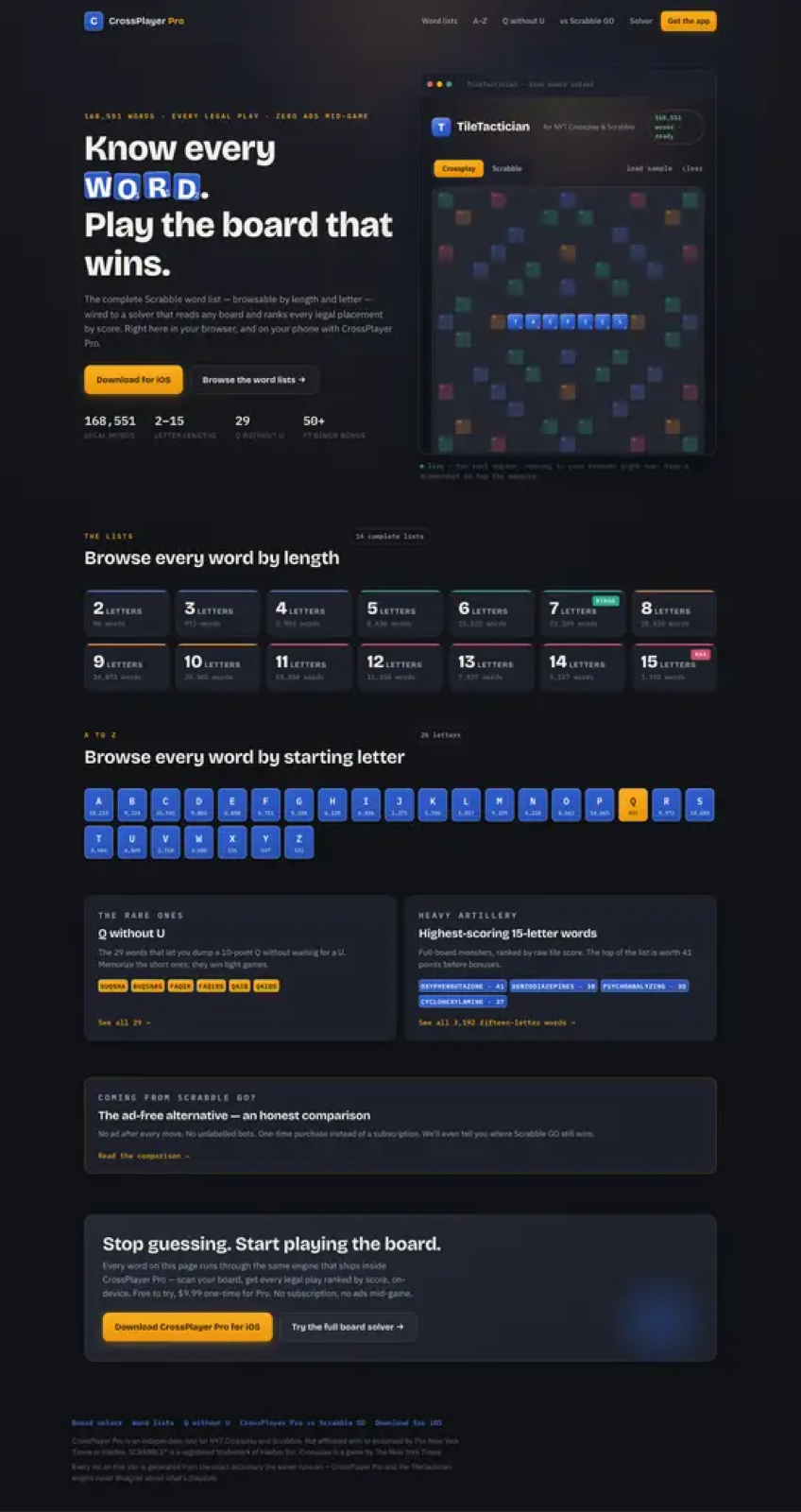
- Enter or scan the board, add your rack, and get every legal play ranked by score.
- On-device solver with the embedded tournament dictionary — works offline.
- Endgame solver, tile bag tracking, and an iOS Share Extension for screenshots.
Getting started
Install, enter your first board, and run your first analysis in under two minutes.
Board entry
Set up the grid accurately so analysis matches your game.
Board scanning
Import a board from a photo or screenshot — no manual entry needed.
Rack analysis
Scoring rules, play ranking, coach mode, and the blunder bar.
Endgame analysis
Perfect-information endgame solving when the bag is empty.
Tile bag & tracking
Track remaining tiles and draw probabilities.
Share Extension
Analyze a board screenshot shared from any iOS app.
FAQ
Common questions and troubleshooting.
Changelog
What's new in TileTactician documentation.